
MINECRAFT · CREATE IN 3D

From a block,
Make yours3D world.

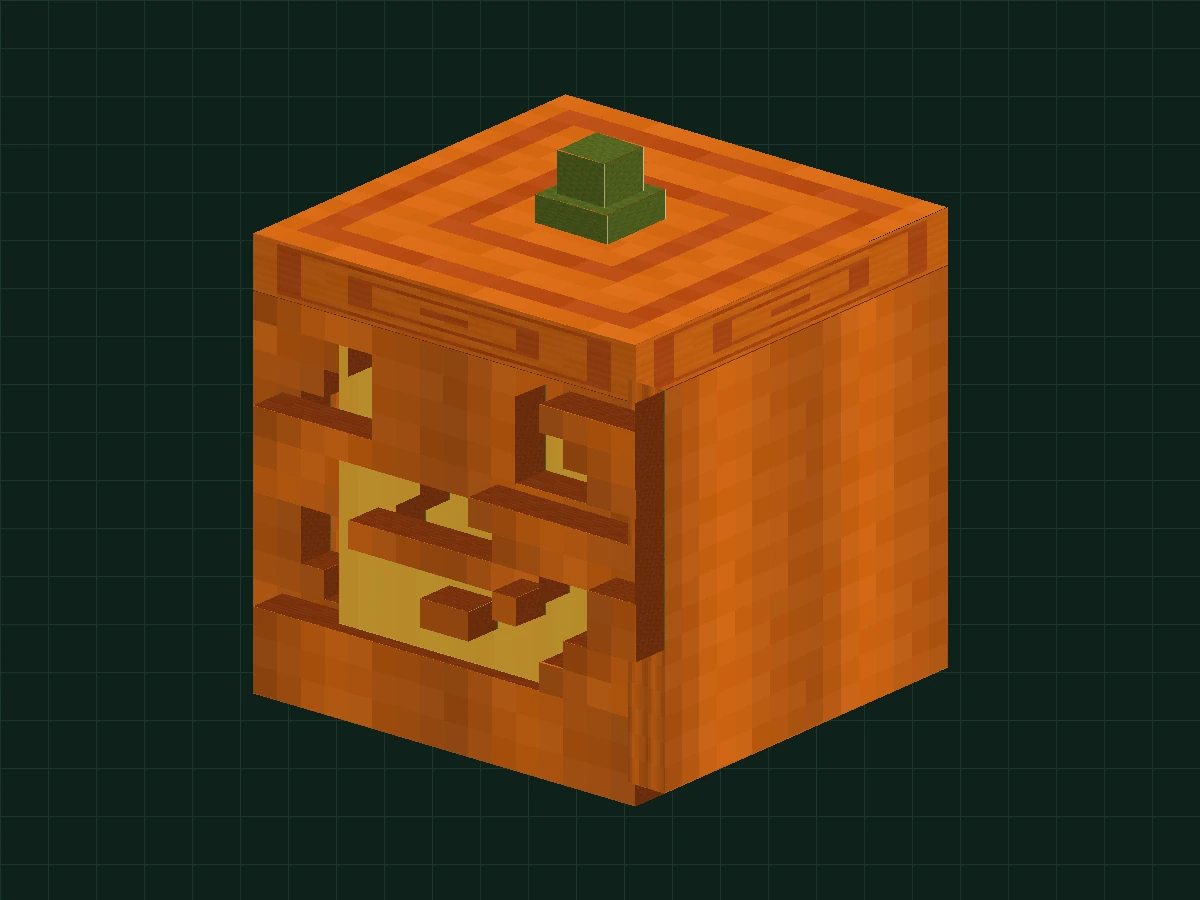
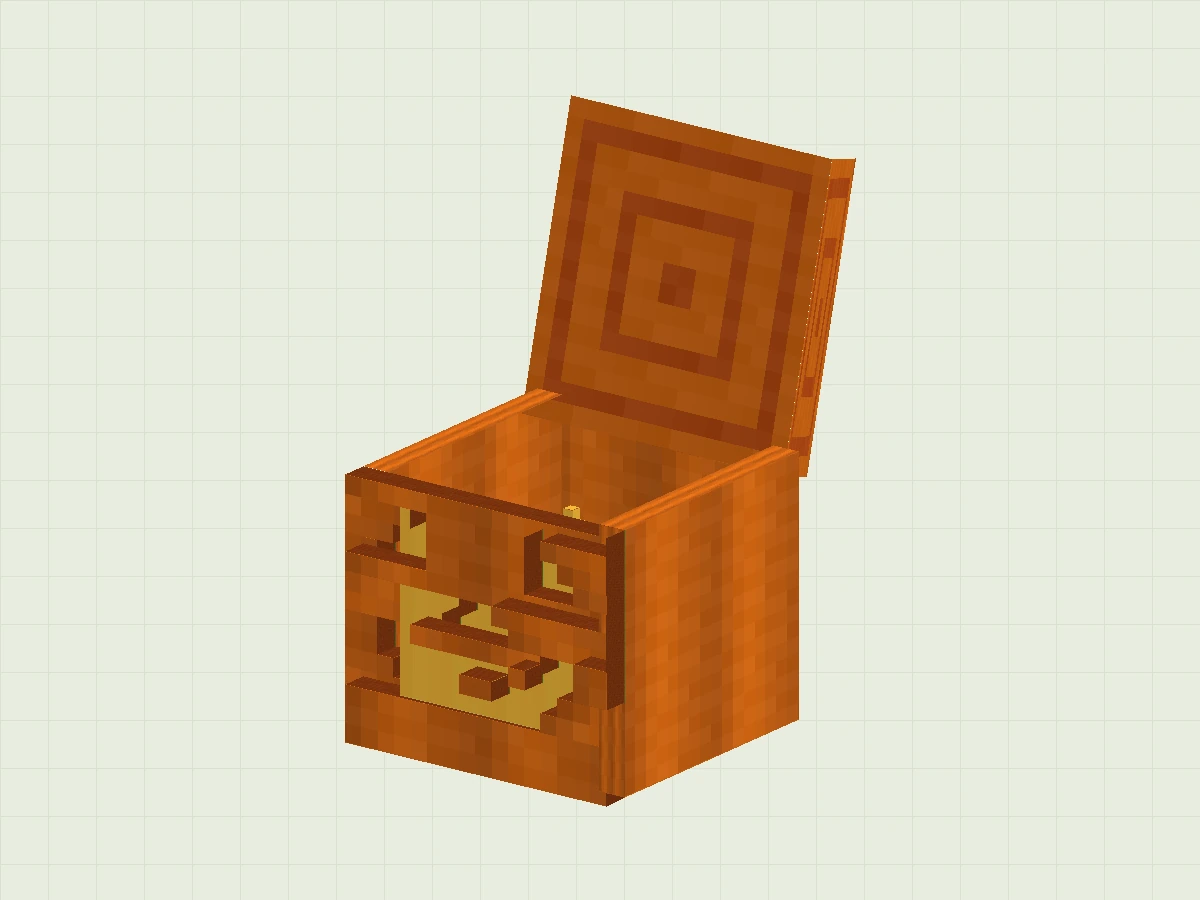
Don't rush to build an entire castle yet. By making a "breathing" jack-o'-lantern, you'll learn how models, textures, and animations work together.

Beginner Friendly · No Coding Required · Free Tutorials and Project Files

YOUR FIRST BUILD 01Orange pumpkin lantern on green grid background with hollow smiley face, green melon stem and pixel texture
A small work, four new skills.Create shapes/draw textures/organize groups/make animations
01/Look at the finished product firstKnow what to do in this class
02 / Break it into small stepsEach step has diagrams and checkpoints
03 / Make changesTurn practice into your own work

THE BUILDING BOOK

Works are your learning route.

There are currently 5 courses open. From dynamic blocks to flying dragons,
Practice prop modeling, pixel materials and display animations again.

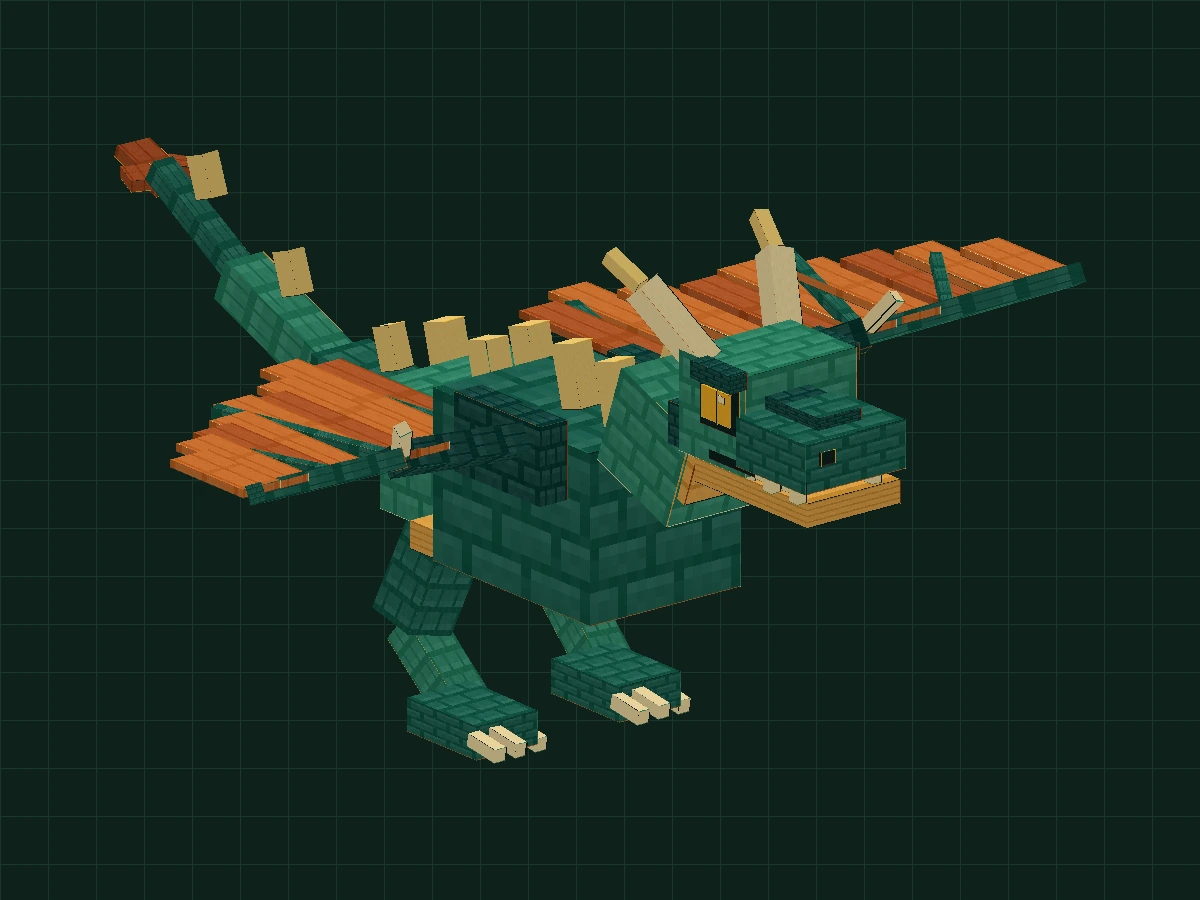
Square flying dragon with dark green scales, copper-orange wings and segmented tailLesson 02 · Free and open

WINGS UP · FIRE ON

Flailing fire-breathing flying dragon

The wings move,
The story just took off.

Turn the wings, tail and jaw into real joints. Follow the 8-step tutorial, from body construction to flight cycle, and then use a timeline to arrange mouth opening, fire breathing and finishing.

  • An Introduction to the Next Level
  • 2–3 hours recommended
  • 8 actual machine screenshots
  • 2 animations
Start Lesson 02 →Download 5-stage project ↓
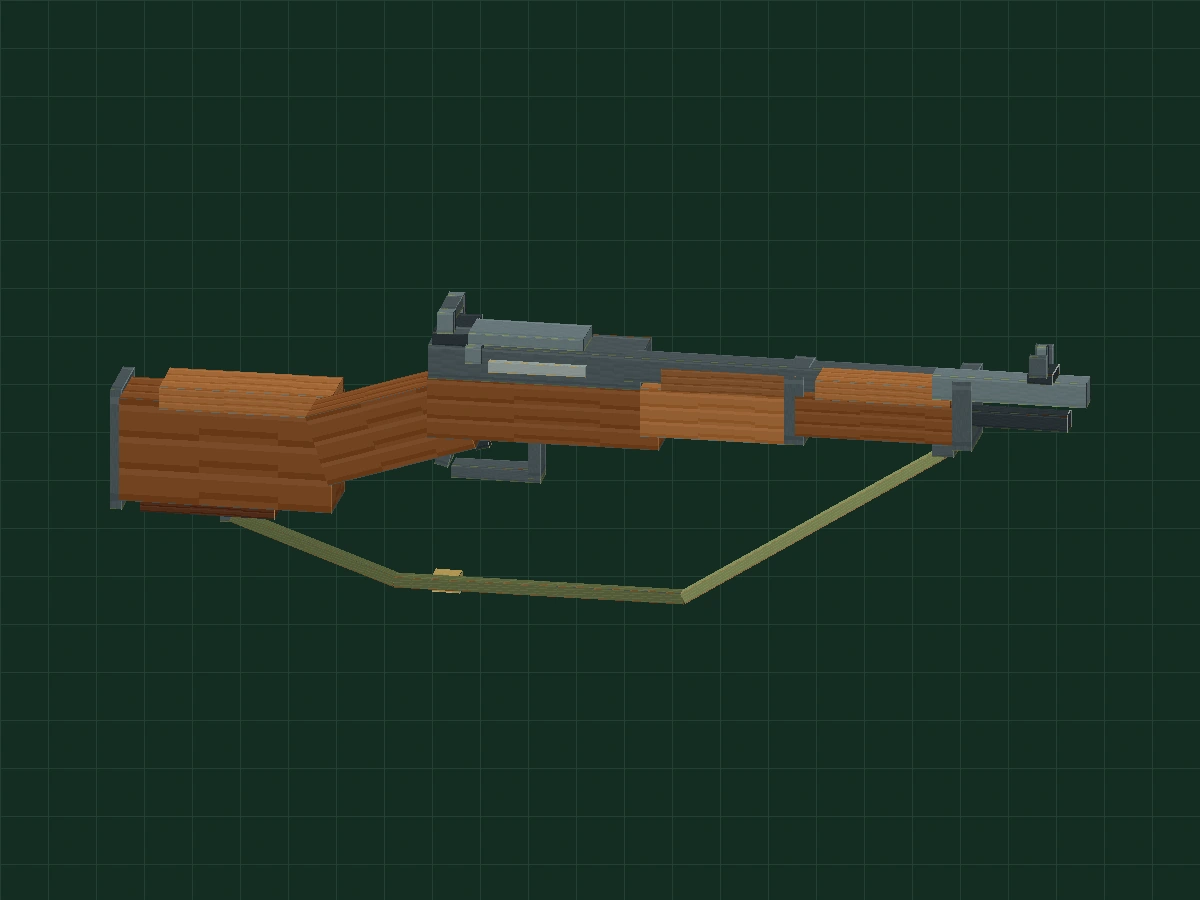
M1 cube play prop with brown wood grain, metallic gray details and canvas strapsLesson 03 · Free and open

SHAPE FIRST · MATERIAL NEXT

M1 Garand game props

A section of wood grain,
A pixel prop.

First outline the outline, and then use pixels to distinguish wood, metal and canvas. Use 37 blocks to complete the appearance model, and then perform two animations of swaying and showing left and right.

  • Getting started and advanced
  • Recommended 90–120 minutes
  • 8 actual machine screenshots
  • 5 stage project
Start Lesson 03 →Download supporting practice project ↓
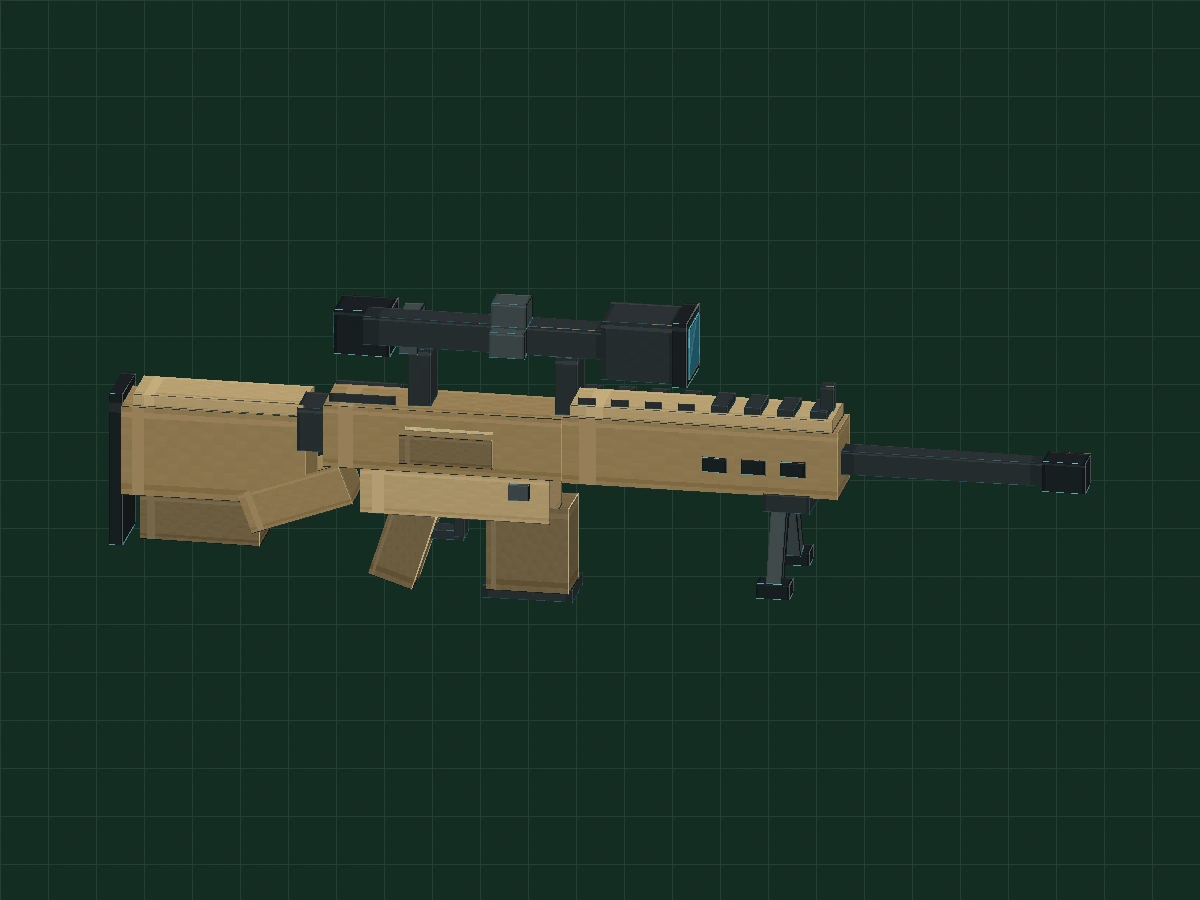
M110 block game props with sand color body, dark gray details and blue-green lensesLesson 04 · Free and open

REPEAT THE SHAPE · FIND THE RHYTHM

M110 sand color game props

A touch of sand color,
A three-dimensional work.

First build the ladder outline, and then let the repeated edge blocks flow out the rhythm. Use 59 squares to practice the contrast between sand color, dark gray and cold lens color, and finally complete the swaying and left-right display animation.

  • Getting started and advanced
  • Recommended 90–120 minutes
  • 8 actual machine screenshots
  • 5 stage project
Start Lesson 04 →Download supporting practice project ↓
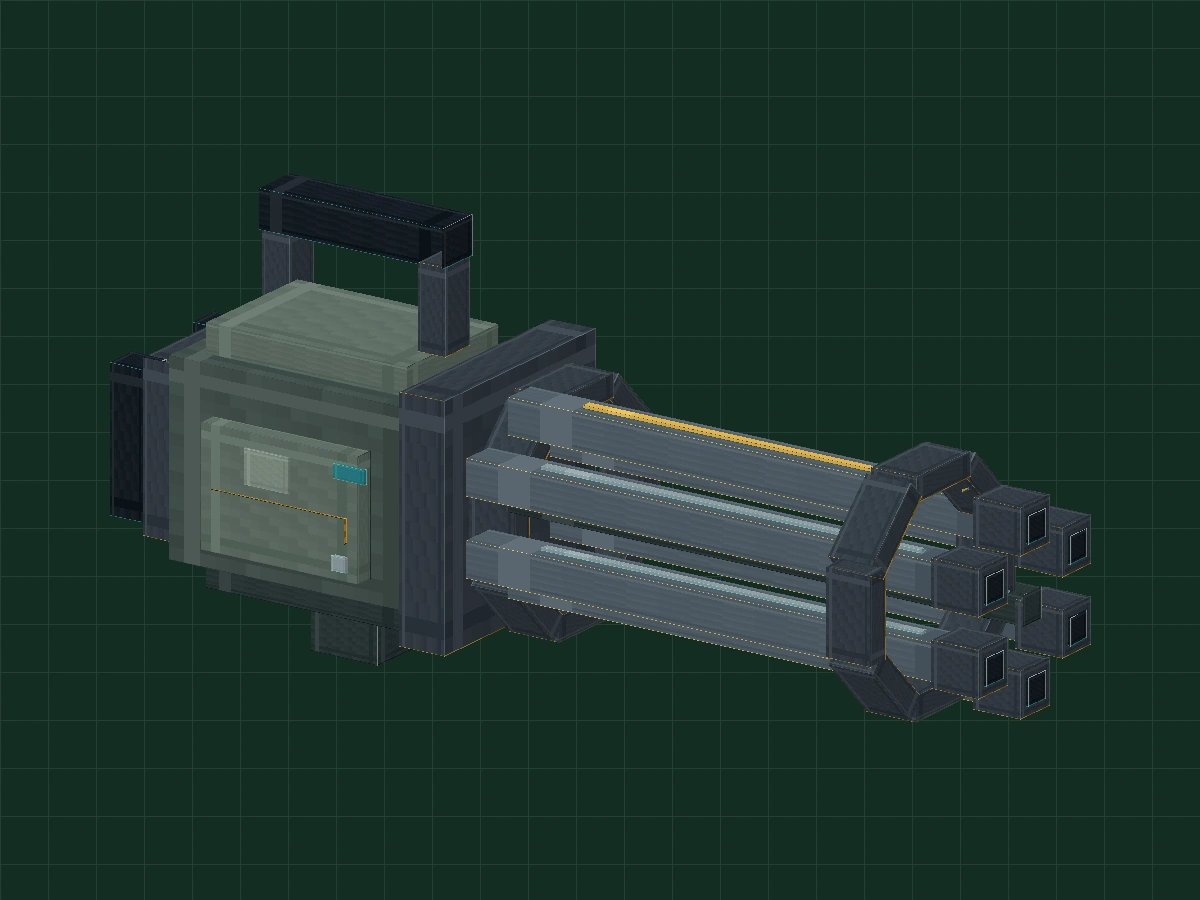
A block-style Gatling model with a gray-green housing and a rotating six-barrel assemblyLesson 05 · Free and open

ONE AXIS · KEEP IT TURNING

Six-tube Gatling game model

Six barrels,
An axis of rotation.

The gun body does not move, and the six tubes rotate in groups. Practice circular arrangements and independent pivots with 65 squares, and check continuous loops from 0° to 360° with a stroke of yellow marker.

  • Getting started and advanced
  • Recommended 90–120 minutes
  • 8 actual machine screenshots
  • 5 stage project
Start Lesson 05 →Download supporting practice project ↓
BUILD → PLAY

After the model is finished, how to put it into the game?

Focus on modeling first. The project file is not an installable mod. Bringing it into a game also requires compatible versions, model formats and animation support.

Continue to explore MOD development ↗