
Minecraft learning center

From the block world,
Go into real programming.

First choose the route that is suitable for you now: use Minecraft scenes to lay a solid Java foundation, enter the MOD practice of Fabric and Forge, or start with BlockBench 3D modeling and make models, draw textures, and animations by yourself.

Three learning routes

Write code,
It is also possible to create 3D worlds.
Java open class
40 sessions free
Fit for starting point
Complete Beginner
Learning style
Lesson + Project

Choose your path

Which one do you want to learn first?

If you want to learn programming, start with Java; if you want to play games, explore MOD; if you want to create a visible work first, start with BlockBench 3D modeling.

01
40 sessions all free

Minecraft × Java

Minecraft Java Programming

Master Java with block buildings, backpacks, and mob families, then learn data archiving, Paper commands and events, and combine player data and timing into deliverable server plugins.

  • Zero-based basic learners
  • Complete a small project in each lesson
  • Classes can be read and downloaded online
View 40 Lesson Learning Paths
02
Free and advanced courses

Build real mods

Minecraft Mods

Use real development tools to complete props, blocks, entities, animations, AI and Boss, and connect models and Java code.

  • Fabric and Forge workflow
  • Blockbench model and animation
  • From debugging to building and releasing
Browse MOD Courses
New column · Free graphic tutorials

03 / BlockBench 3D

Blockbench 3D Modeling

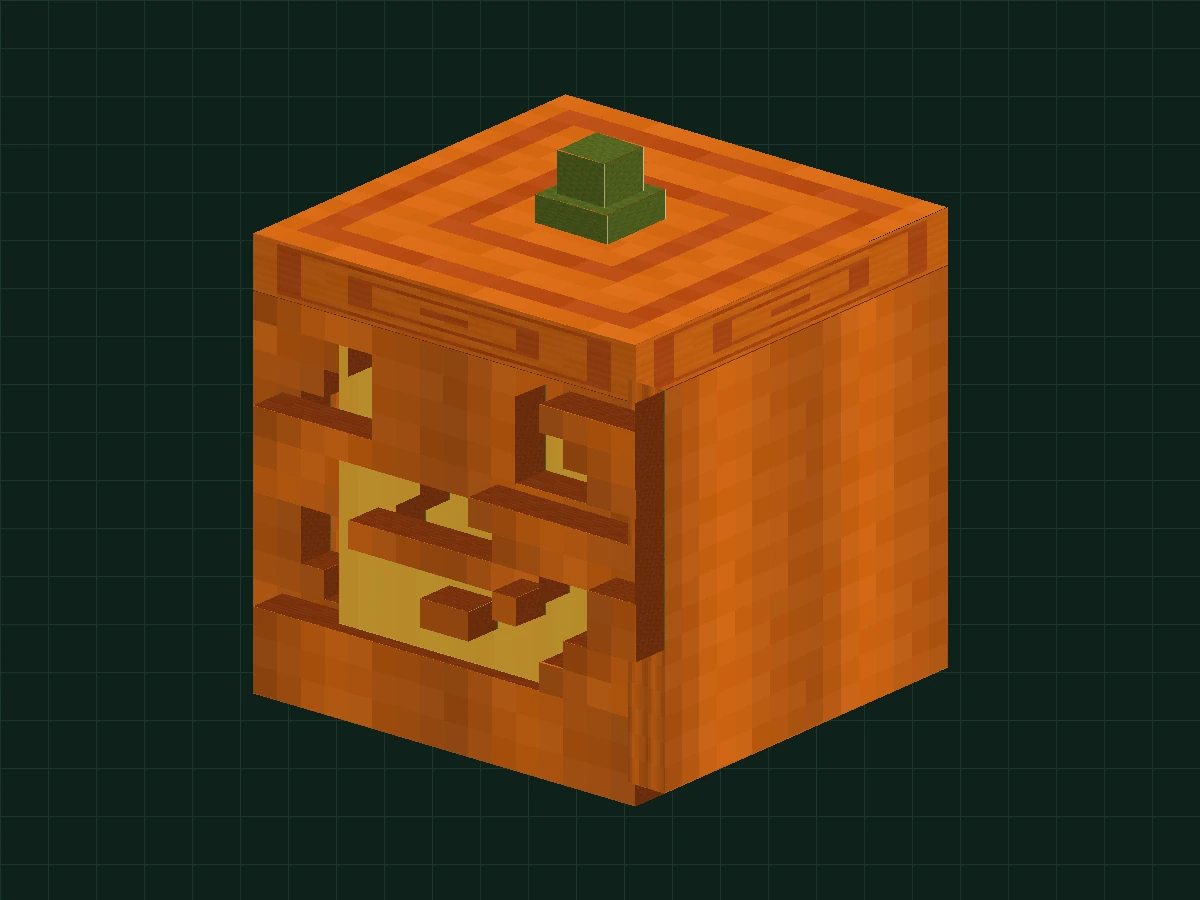
Start with a Halloween jack-o'-lantern and turn blocks into creations. 8-step diagram to learn hollow structures, pixel textures, grouped pivots and animations; if you encounter difficulties, open the staged project and continue working on it.

  • No need to write code, you can start with zero foundation
  • Real model illustration and real-time animation preview
  • Free practice projects and completion inspections
Enter 3D modelling class
BlockBench Lesson 01: Halloween Pumpkin Lantern with Pixel Texture

A clear learning flow

In every lesson, you know what to do next.

  1. 01
    Let’s look at the target first

    The time, difficulty, prerequisite knowledge and the works of this lesson can be seen clearly at a glance.

  2. 02
    View pictures and texts

    Follow the on-line diagrams; lessons can also be downloaded for offline refreshing.

  3. 03
    Complete the work

    Turn the knowledge in this lesson into a runnable project or editable model.

  4. 04
    Keep exploring

    Return to the route directory to continue learning, or you can change a topic and practice again.