Before starting
Complete Lesson 6, Understanding for Loops and Waits. Use the standalone Lesson07 Baseplate.
 PixelCraft
Roblox Studio · Lesson 7
Saves signs, rewards and colours with tablet, reading indexes, dictionaries and browsing to highlight your own treasure hunt.
Course overview
When there is only one landmark, one variable is enough. The road signs become three, ten, and you don't want to duplicate the same set of code for each road sign. A table can help you put related data together.
This course is organized in two ways: sequenced arrays and name-based dictionary. They are all tablets in Luau.
Complete Lesson 6, Understanding for Loops and Waits. Use the standalone Lesson07 Baseplate.
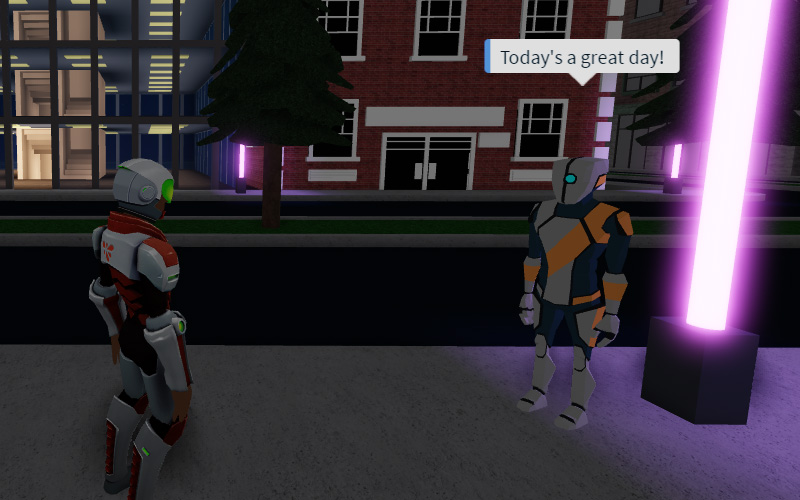
A signposted route lit in the order Camp → Bridge → Cave.
By adjusting the order in the table, you can explain the difference between roote[1] and settings.reward.
Learning route
Every time a small step is completed, it is tested. Say what you expect to see first, and then use Play and Output to check it. Don't rush to write all the code at once.
First use the operations of Lesson 2 to lay out the route, and the code is responsible for determining the order of lighting. The name will be a clue to what the program is looking for, and must be case-sensitive.
Luau arrays usually start at 1: route[1] is the first item, route[3] is the third item. #route can read the length of this list without holes.
settings.reward is easier to read than settings[2] because reward already indicates that this number is a reward. Dictionaries are suitable for data with names such as colors, duration, rewards, etc.
The complete script below separates "who to deal with" and "what to do". route is responsible for object order, and the loop body is responsible for changing colors.
Adding a fourth station requires adding scene objects and list items at the same time. If you only add a string, if there is no corresponding Part, the program cannot find it; if you only add a Part, if it is not added to the list, it will not light up.
Step by step
First use the operations of Lesson 2 to lay out the route, and the code is responsible for determining the order of lighting. The name will be a clue to what the program is looking for, and must be case-sensitive.
Each landmark remains independent. Don't put them into the Model first, otherwise workspace:WaitForChild(name) in this lesson will not find the direct child objects.
Step by step
Luau arrays usually start at 1: route[1] is the first item, route[3] is the third item. #route can read the length of this list without holes.
ipairs will give the index and value in sequence according to 1, 2, 3... and stop when encountering the first missing value. Don't dig random holes in the array with route[2] = nil.
local route = {"Camp", "Bridge", "Cave"}
print("First stop:", route[1])
print("Stop count:", #route)
for index, name in ipairs(route) do
    print(index, name)
end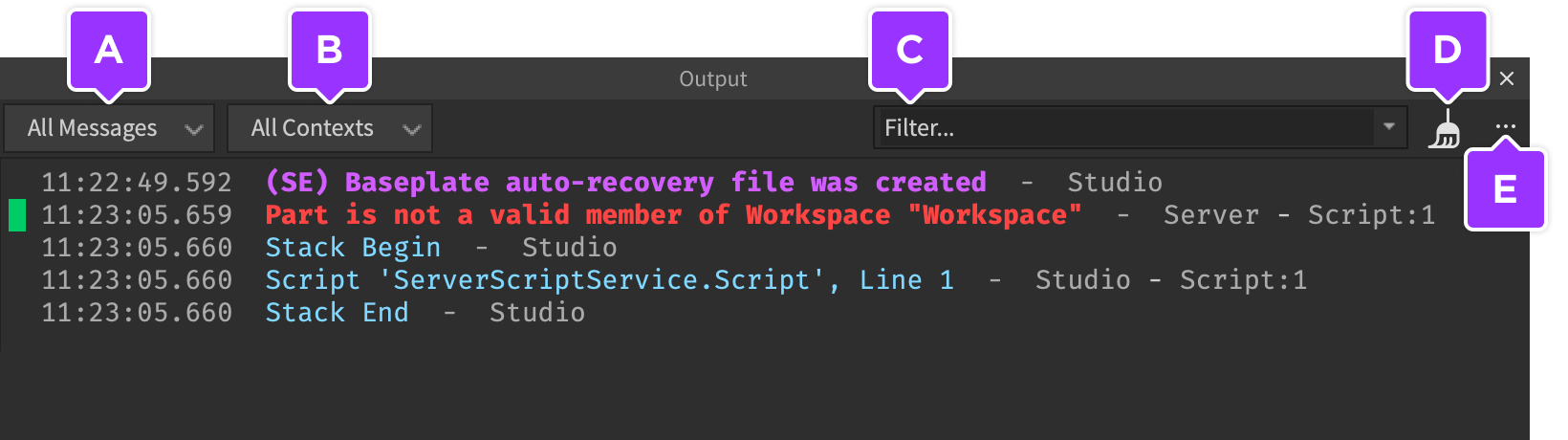
Step by step
settings.reward is easier to read than settings[2] because reward already indicates that this number is a reward. Dictionaries are suitable for data with names such as colors, duration, rewards, etc.
The dictionary does not have the route sequence of "first stop, second stop". Don't rely on the order in which pairs are traversed through the dictionary to arrange levels.
local settings = {
    reward = 10,
    pauseSeconds = 1,
    activeColor = Color3.fromRGB(90, 220, 150),
}
print("Reward preview:", settings.reward)
Step by step
The complete script below separates "who to deal with" and "what to do". route is responsible for object order, and the loop body is responsible for changing colors.
WaitForChild(name) uses a string to find an object. When the name is misspelled, it will wait and may prompt Infinite yield in Output; that is not because the program is slow, but that the object path needs to be checked.
local route = {"Camp", "Bridge", "Cave"}
local settings = {
    pauseSeconds = 1,
    activeColor = Color3.fromRGB(90, 220, 150),
}

for index, name in ipairs(route) do
    local marker = workspace:WaitForChild(name)
    local originalColor = marker.Color
    print("Stop", index, name)
    marker.Color = settings.activeColor
    task.wait(settings.pauseSeconds)
    marker.Color = originalColor
end
print("Route complete")
Step by step
Adding a fourth station requires adding scene objects and list items at the same time. If you only add a string, if there is no corresponding Part, the program cannot find it; if you only add a Part, if it is not added to the list, it will not light up.
When the list is arranged continuously, table.insert(route, "Tower") can add an item; table.remove(route, 2) will delete the second item and move the following items forward.
Homework
Create a fourth waypoint and change the route to Camp → Cave → Bridge → Tower.
Only adjust settings.pauseSeconds so that each station lights up for two seconds.
Use a function to wrap the lighting process, pass in a different route table, and run it again.
Exit questions
String Camp; it is not Part itself, you need to use this name to find the corresponding object.
Routes are subject to successive numerical indexes.
Not yet. It's just a field where you save numbers. The actual coin added to the player will be realized in class 10.
Not enough, you also need to create a Part with the same name in the correct path.
Explore further
The text code can be copied directly. First confirm the script type, placement, and whether this code is a complete version or a small experiment; do not run multiple versions of the same script superimposed. The source of the interface reference picture has been marked. The object names in the picture may be different from those in this lesson. Please refer to the operation steps.
Download the code and placement instructions for this lesson