Before starting
Will use numeric variables, if and Output. Create a new independent Baseplate and save it as Lesson06.
 PixelCraft
Roblox Studio · Lesson 6
Use for and task.wait() to create a three-second countdown, and then compare the finite loop and the continuously running loop.
Course overview
The expedition team is ready to go: 3, 2, 1, the green light is on! This little countdown is just right for the cycle.
You will first write a for loop that can count the number of times, and then add wait and color to it. Each run should be able to tell: how many times it was executed and where it ended up.
Will use numeric variables, if and Output. Create a new independent Baseplate and save it as Lesson06.
A signal light that counts down for three seconds, lights green for two seconds, and finally resumes standby.
Output displays 3, 2, 1, GO in sequence; the signal light returns to its original color, and the program will not run endlessly.

Learning route
Every time a small step is completed, it is tested. Say what you expect to see first, and then use Play and Output to check it. Don't rush to write all the code at once.
Make the scene simple enough before you can judge whether the change is caused by the code. The signal light doesn't have to be fancy, but it needs to be visible from the spawn point.
for remaining = 3, 1, -1 means starting from 3, subtracting 1 each time until reaching 1. The end point will be included when it matches the step direction, so it is executed three times here.
Now think of the loop body as a "beat". Each beat prints a number, turns orange, and waits one second. The green light part is executed only after the loop ends.
If you already know how many times you want to repeat it, use for first. If you need to "continue as long as the condition is true", you can use while, but you must explain how the condition ends.
The numbers are flushed instantly, usually because task.wait is missing from the loop body. There is no output at all. First check whether the starting point, end point and step size match.
Step by step
Make the scene simple enough before you can judge whether the change is caused by the code. The signal light doesn't have to be fancy, but it needs to be visible from the spawn point.
This lesson uses Color and Material for visual feedback. The Neon material will appear to be shiny, but it will not illuminate nearby objects; actual lighting will be learned in Lesson 14.
Step by step
for remaining = 3, 1, -1 means starting from 3, subtracting 1 each time until reaching 1. The end point will be included when it matches the step direction, so it is executed three times here.
task.wait(1) Let the current script continue later, and the game can still handle other things. It is not a high-precision stopwatch and the actual wait may be slightly longer than one second.
for remaining = 3, 1, -1 do
    print(remaining)
    task.wait(1)
end
print("GO!")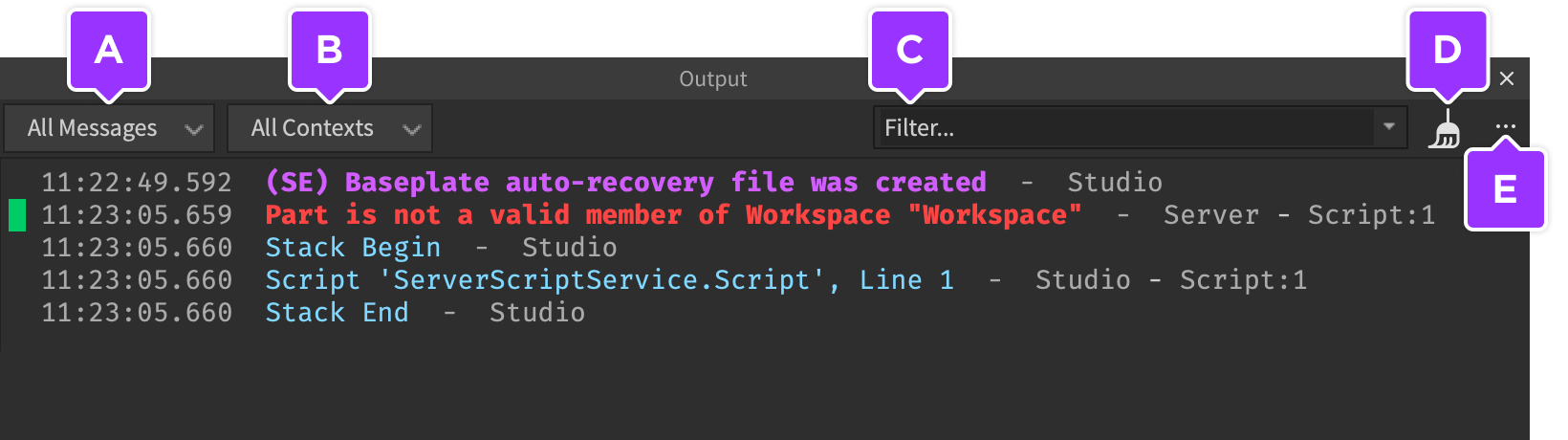
Step by step
Now think of the loop body as a "beat". Each beat prints a number, turns orange, and waits one second. The green light part is executed only after the loop ends.
The full script only runs one round so you can easily tell where it ends. When you need to retry, Stop and then Play instead of appending the same code to the end of the script.
local signal = workspace:WaitForChild("Signal")
local READY = Color3.fromRGB(55, 140, 220)
local COUNTING = Color3.fromRGB(255, 190, 65)
local GO = Color3.fromRGB(80, 220, 130)

signal.Color = READY
task.wait(2)
for remaining = 3, 1, -1 do
    signal.Color = COUNTING
    print("Starting in", remaining)
    task.wait(1)
end
signal.Color = GO
print("GO!")
task.wait(2)
signal.Color = READY
print("Countdown finished")
Step by step
If you already know how many times you want to repeat it, use for first. If you need to "continue as long as the condition is true", you can use while, but you must explain how the condition ends.
Below is a separate five-blink version that replaces the previous countdown. There is a wait for each on and off; if you forget to add flashes, the condition may always be true.
local signal = workspace:WaitForChild("Signal")
local flashes = 0
while flashes < 5 do
    signal.Transparency = 0
    task.wait(0.4)
    signal.Transparency = 0.75
    task.wait(0.4)
    flashes += 1
end
signal.Transparency = 0
print("Flashes:", flashes)
Step by step
The numbers are flushed instantly, usually because task.wait is missing from the loop body. There is no output at all. First check whether the starting point, end point and step size match.
The loop variable remaining only belongs inside the loop. If you want to retain the statistical results after the loop ends, you should first create variables outside like flashes.
Homework
Change countdown to 5 to 1, green light for 3 seconds.
Allows the program to express its state through different colours and final text without relying on sound.
Load the complete round into the function and call it twice with for, leaving two seconds to rest in between.
Exit questions
Four times, i is 1, 2, 3, 4 in sequence.
It is the step size of each decrease, ensuring that the number advances towards the end point 1.
No, only the current execution thread is made to wait; other scripts and games can still run.
Guaranteed by your code. Have the condition eventually become false, or break on an explicit condition.
Explore further
The text code can be copied directly. First confirm the script type, placement, and whether this code is a complete version or a small experiment; do not run multiple versions of the same script superimposed. The source of the interface reference picture has been marked. The object names in the picture may be different from those in this lesson. Please refer to the operation steps.
Download the code and placement instructions for this lesson