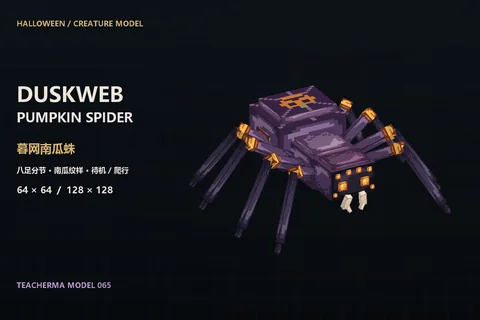
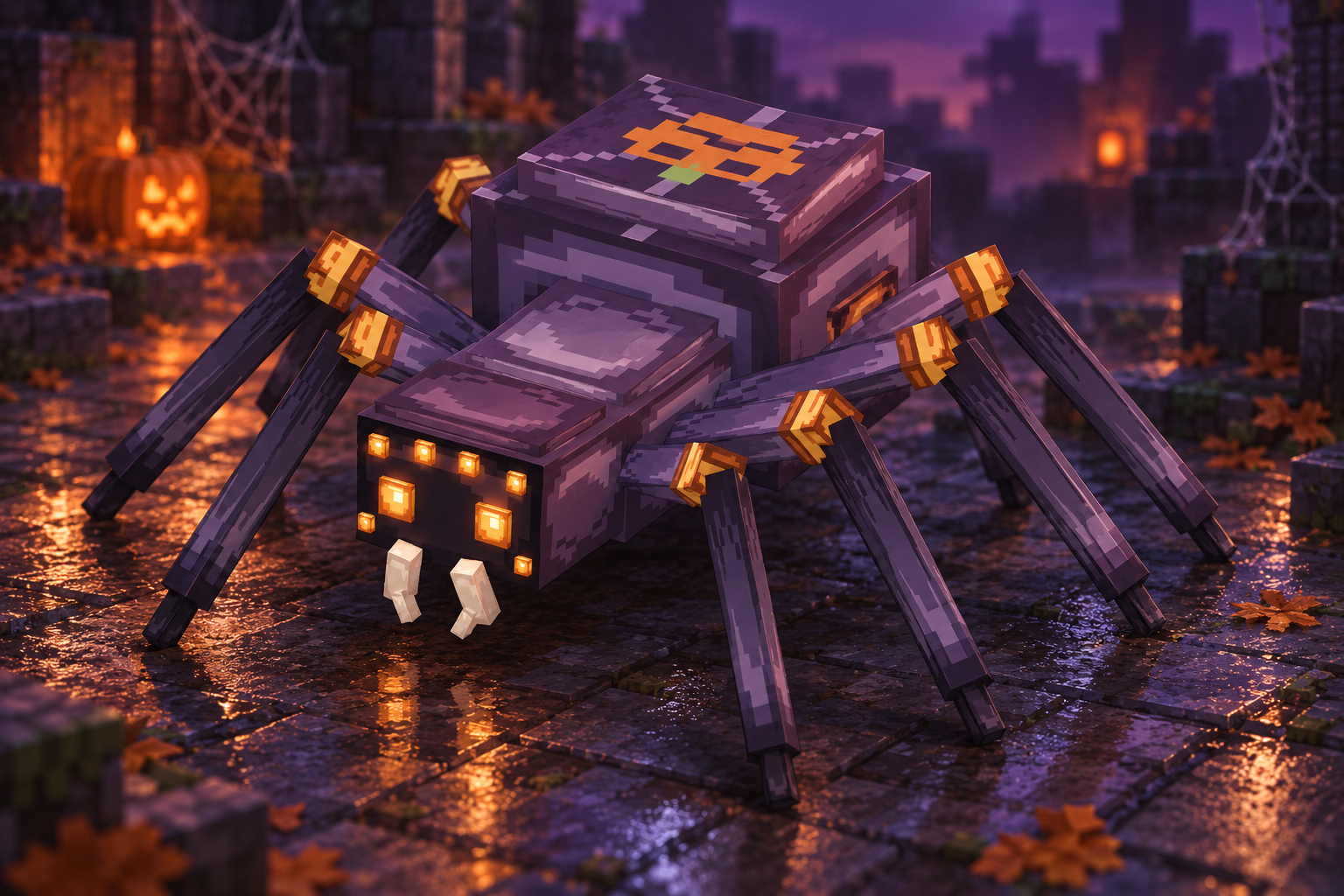
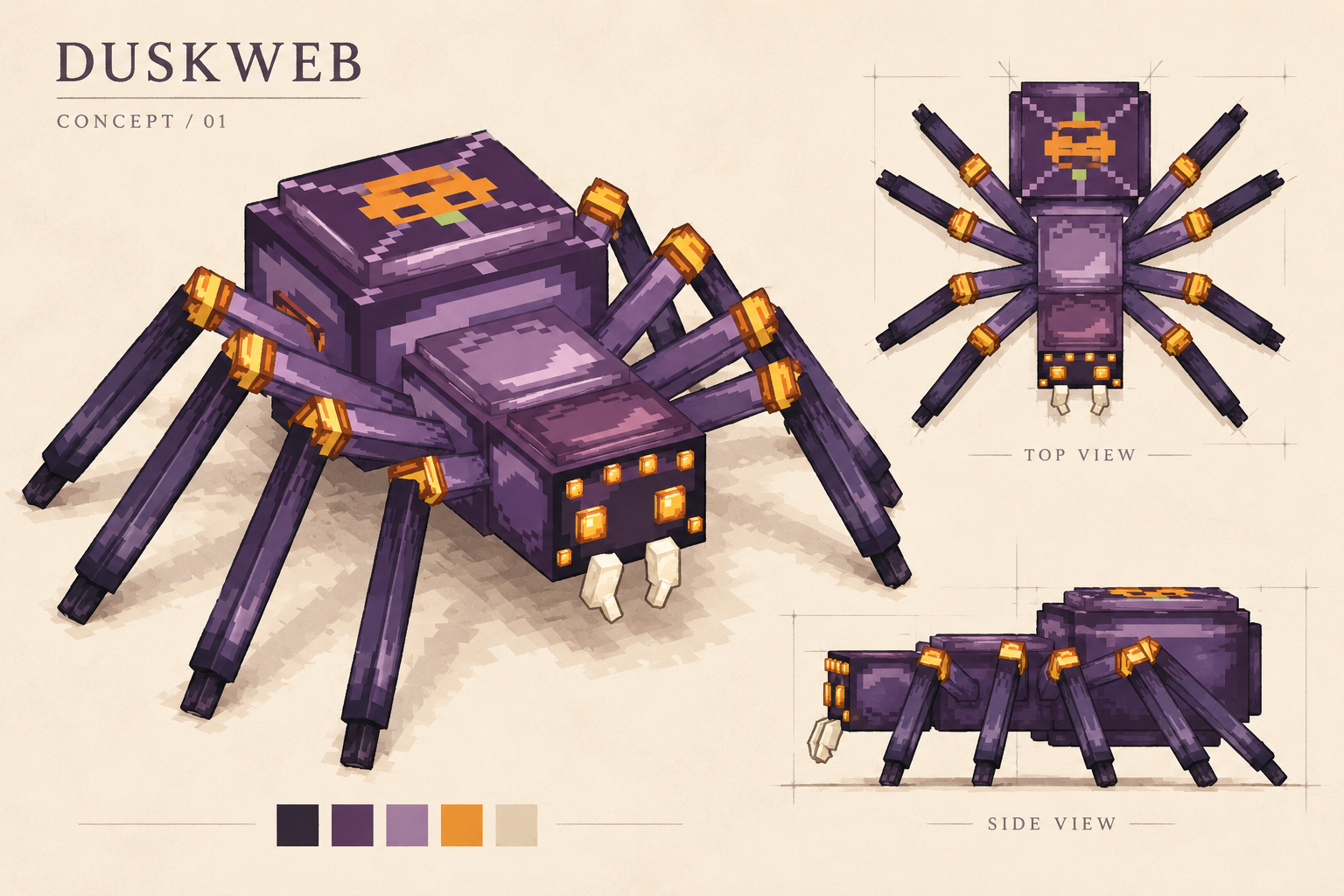
A Halloween spider weaving beside the pumpkin field. Violet-black chitin, eight amber eyes, ivory fangs and orange-gold leg bands create a readable silhouette. Its raised abdomen carries a pumpkin-face and web motif. Eight articulated legs have independent bones, idle and alternating crawl animations. Starts at 64×64; 128×128 adds authored shell highlights, incised lines and silk details.
3:4 card · Fixed overhead light · 900 × 1200 PNG
Drag to rotate, scroll to zoom. The download keeps your view, gradient and reflection.
Loading textured model...
Drag to rotate·Scroll wheel to zoom
Model downloads
Download the complete project with its original textures and included files.
Original concept · eight legs, chitin and pumpkin markingsAI-assisted multi-view concept; see the live model above for the actual eight-leg rig and proportions.
Download concept PNG64×64 · Eight-leg structure and dorsal pattern64×64 default · 128×128 chitin and silk refinements
What's in the download package?
Eight-legged spider · Editable creature project
54 parts and 22 groups, with separate upper and lower segments for each of eight legs. Head, abdomen and fangs are independently editable. Two Blockbench Generic Model projects embed their respective textures.
Idle and alternating eight-leg crawl
The idle clip gently moves the abdomen, head and fangs. Crawling alternates two sets of four feet. Play or pause in real time, with shadows and reflections in 3D render mode.
Two textures and original concept art
Includes 64×64 and 128×128 spider textures, concept art, artwork and actual model views. These custom creature textures cannot be worn as player skins; export and entity registration are required for your target loader.
Frequently Asked Questions
How do I open the download?
Extract the ZIP, then choose File → Open Model in Blockbench and open the included .bbmodel file. Save a copy before making changes.
Can I install it directly in Minecraft?
This is an editable model, not an installable mod. To use it in a game, set up the export format, resource files and loader for your target Java or Bedrock version.
What if the textures are missing?
Start with the original project from the download. If textures are still missing, select the included PNG files in Blockbench's Textures panel. Check texture paths after exporting, too.
How do I play the animations?
Select an animation in the preview above and press Play. To edit it, use Blockbench's Animate workspace. In-game playback also requires the appropriate animation files and control logic.
Can it be commercially used or republished?
You may use these models for personal learning, classroom practice and non-commercial projects. Do not resell them unchanged or claim them as your original work. For other uses, read the included terms and contact TeacherMa. Fan characters involve third-party rights; a contribution does not grant a commercial license.
This is an unofficial teaching model produced independently. Minecraft and the rights to related names and materials belong to the respective rights holders of Mojang, Microsoft, etc.