
WHAT YOU WILL MAKE
Making a Console Chat Formatter
As long as a message is missing one space, the player name and the text will be squeezed into a ball. Strings enable programs to save text, as well as to find, compare, and organize text. In this lesson, we start with a minimal welcome message, find each position along the index, and finally make a chat formatter that can organize messy data into clear messages.
Before you start: It is recommended to complete Lessons 1–4 first
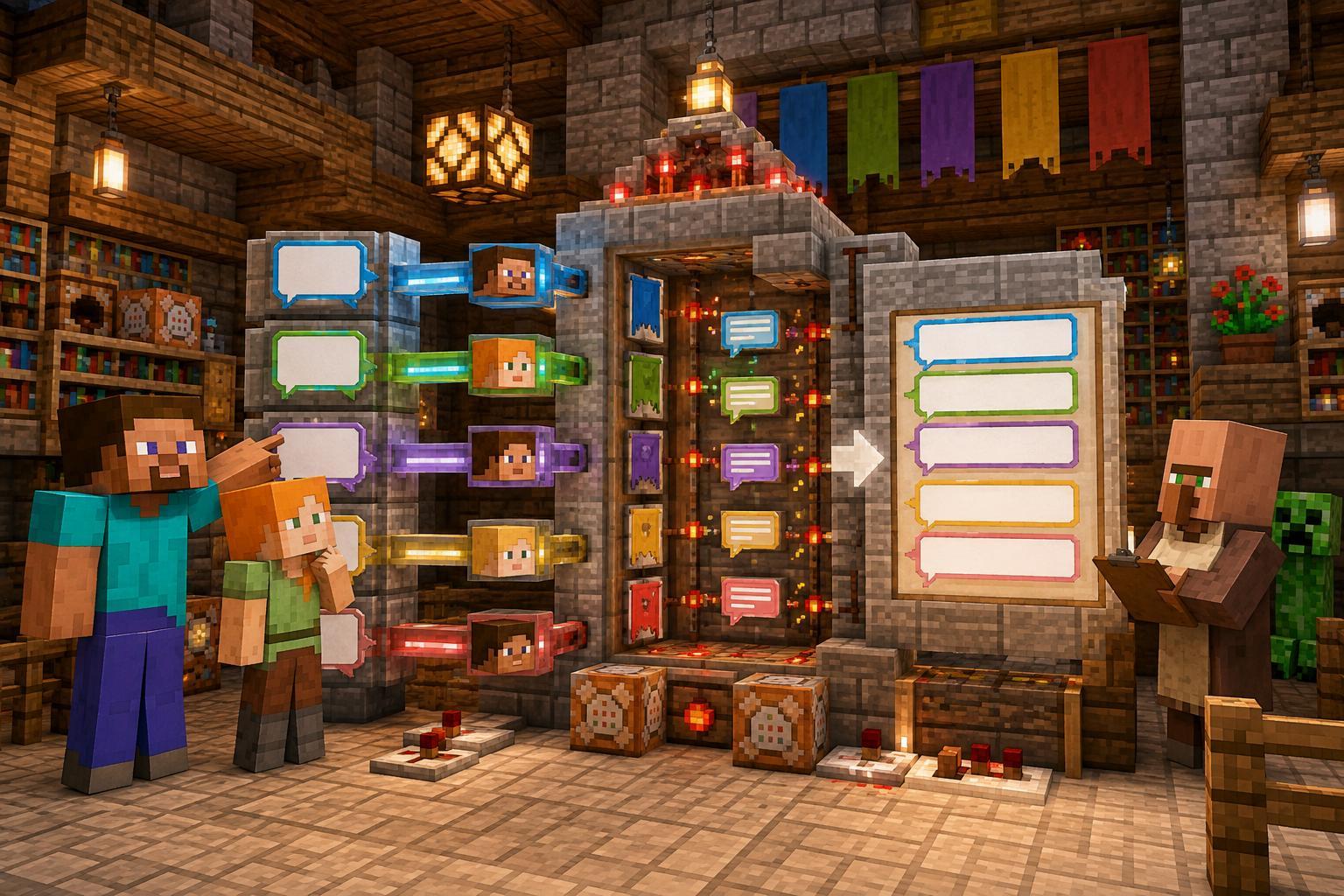
01 / 14
Spaces are also information

"Welcome Alex to the Red Team" appears on the radio. You can probably guess it, but once the name and message are longer, guessing is no longer enough. The computer will not automatically fill in punctuation and spaces for us. Every character in the string participates in the final expression.
The "chat bar" here is the story theme of the work. The program first outputs the message on the console; to actually send it to the game server, you need to learn the server or module interface later. Organizing the text correctly first is a step worth completing alone.
- Pay attention to boundaries and spaces when splicing.
- Mark the index before intercepting.
- Compare content and cleanup formats and choose different methods.
02 / 14
String Save text and return new text

Snippet: place inside main and run separately
String player = "Alex";
String team = "Red";
String message = "Find diamonds!";
String welcome = "Welcome " + player + "!";
System.out.println(welcome);
System.out.println(team + ": " + message);
Output
Welcome Alex!
Red: Find diamonds!
The S in String must be capitalized. "player" is a fixed text, and player reads variables. "Welcome" + player will get "Welcome Alex"; if you want to leave a space, just write "Welcome" explicitly.
03 / 14
+ Able to calculate and connect
- Team[RED]
- LevelLv.8
- PlayerAlex:
- TextHi!
When connecting various parts, spaces and punctuation should be clearly written in the string.
Snippet: place inside main and run separately
int level = 8;
System.out.println("Level=" + level + 1);
System.out.println("Level=" + (level + 1));
int diamonds = 3, bonus = 2;
System.out.println("Total diamonds=" + (diamonds + bonus));
String levelText = String.valueOf(level);
System.out.println("Lv." + levelText);
Output
Level=81
Level=9
Total diamonds=5
Lv.8
The first line is connected from left to right: first get "level=8", then connect to "1". The brackets on the second line first calculate 8+1, and then add 9 to the message. When you see numbers and words mixed together, decide which parts are calculations first.
04 / 14
The index starts from 0, and the length starts from the quantity
| Index | 0 | 1 | 2 | 3 | 4 | 5 | 6 |
|---|---|---|---|---|---|---|---|
| Character | C | R | E | E | P | E | R |
length() = 7; legal indexes are 0 to 6. charAt(0) is C, charAt(6) is R.
Snippet: place inside main and run separately
String mob = "CREEPER";
System.out.println(mob.length());
System.out.println(mob.charAt(0));
System.out.println(mob.charAt(mob.length() - 1));
Output
7
C
R
"There are seven positions" and "The last position number is six" are not inconsistent: we start numbering from 0. charAt(7) goes past the end, and there is no 0th position that can be read from the empty string.
05 / 14
substring: take on the left, stop on the right
| Index | 0 | 1 | 2 | 3 | 4 | 5 | 6 |
|---|---|---|---|---|---|---|---|
| Character | D | I | A | M | O | N | D |
substring (0, 3) takes indexes 0, 1, and 2 to get DIA; M at index 3 is not included.
Snippet: place inside main and run separately
String ore = "DIAMOND";
System.out.println(ore.substring(0, 3));
System.out.println(ore.substring(3));
System.out.println(ore.substring(ore.length() - 3));
Output
DIA
MOND
OND
The two parameters are the starting point and the ending boundary. The starting boundary is included, the ending boundary is not. When only a starting point is given, the end of the string is taken. Drawing the numbers first is usually faster than trying the numbers over and over again.
06 / 14
Search: Is there one? Where is it?
| Method | Questions asked | Back |
|---|---|---|
| contains | Is there this text? | boolean |
| indexOf | Where did it first appear? | int, not found is -1 |
| startsWith | Is this text at the beginning? | boolean |
| endsWith | Is this text at the end? | boolean |
Snippet: place inside main and run separately
String msg = "I found diamond!";
System.out.println(msg.contains("diamond"));
System.out.println(msg.indexOf("diamond"));
System.out.println(msg.indexOf("emerald"));
System.out.println("/home now".startsWith("/"));
System.out.println(msg.endsWith("!"));
Output
true
8
-1
true
true07 / 14
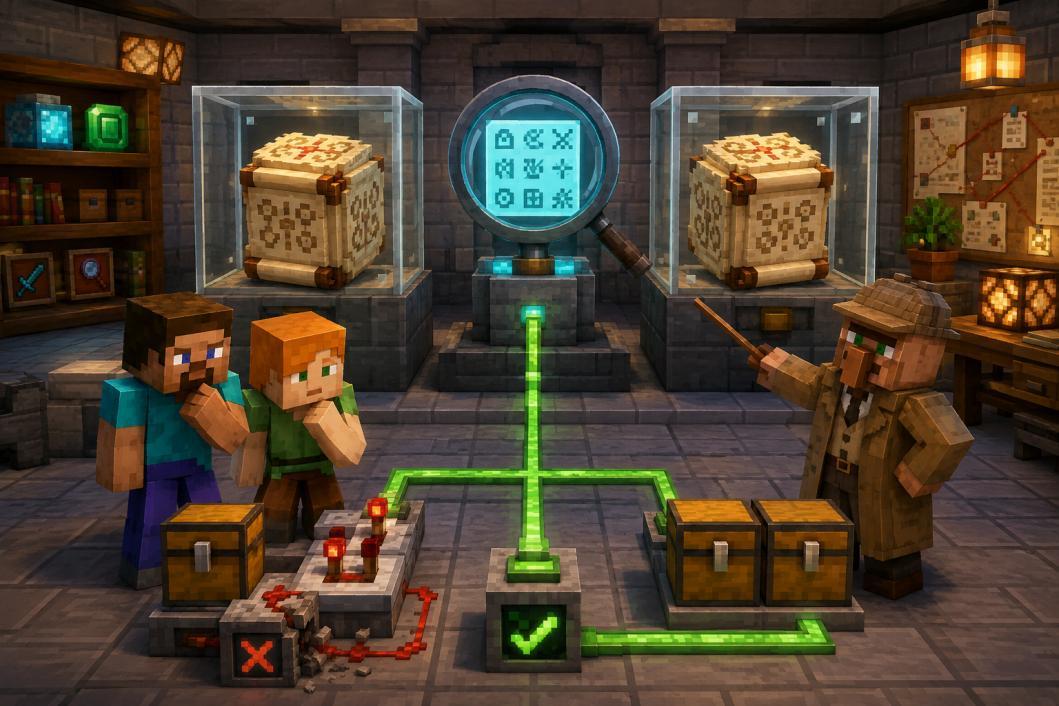
The content is the same, not necessarily the same object
Snippet: place inside main and run separately
String a = new String("diamond");
String b = new String("diamond");
System.out.println(a.equals(b));
System.out.println(a == b);
String role = null;
System.out.println("admin".equals(role));
Output
true
false
false
equals compares the contents of String; == here compares whether two references point to the same object. This example explicitly creates two objects, so the contents are identical and the reference comparison is still false.
08 / 14
Case conversion: catching the returned new result
- Original command/Home
- Obtain new resultstoLowerCase
(Locale.ROOT) - Compare content/home
Consistent with goal
Snippet: place inside main and run separately
String command = "/Home";
String normalized = command.toLowerCase(java.util.Locale.ROOT);
System.out.println(normalized);
System.out.println(command.equalsIgnoreCase("/HOME"));
String team = "blue";
System.out.println(team.toUpperCase(java.util.Locale.ROOT));
System.out.println(command);
Output
/home
true
BLUE
/Home
The last line is still /Home because we did not reassign command. For fixed-format English commands or labels, Locale.ROOT makes conversion independent of the computer's current language settings; think of it as an explicit conversion option for now.
09 / 14
Blank spaces at both ends and empty content are two different things
| Data | Check | Result |
|---|---|---|
| " Alex " | length() | 10 |
| "Alex" after strip | length() | 4 |
| "" | isEmpty() | true |
| " " | isEmpty() | false |
| " " | isBlank() | true |
Snippet: place inside main and run separately
String rawName = "   Alex   ";
String cleanName = rawName.strip();
System.out.println(rawName.length());
System.out.println(cleanName.length());
System.out.println("<" + cleanName + ">");
System.out.println("   ".isEmpty());
System.out.println("   ".isBlank());
Output
10
4
<Alex>
false
true10 / 14
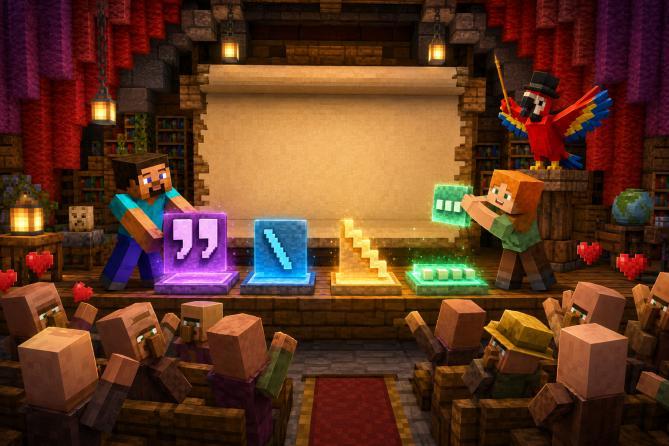
Escape and null: See the hidden rules clearly

Snippet: place inside main and run separately
String quote = "Alex Say it.: \"Hi!\"";
String twoLines = "First line\n Second row";
String path = "C:\\Minecraft";
System.out.println(quote);
System.out.println(twoLines);
System.out.println(path);
System.out.println("bad word".replace("bad", "good"));
Output
Alex Say it.: "Hi!"
First line
 Second row
C:\Minecraft
good word
Backslashes allow certain characters to enter strings: \" represents a quote, \n represents a newline, and \\ represents a backslash. What they look like in the source code is different from the result after running.
Snippet: place inside main and run separately
String player = null;
boolean valid = player != null && !player.isBlank();
System.out.println(valid);
Output
false11 / 14
Design the chat format first, then write the code
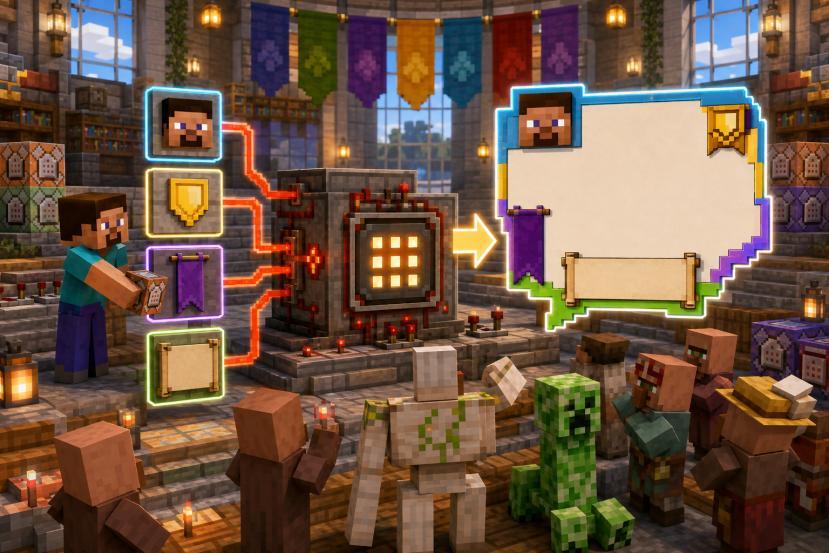
- Initial dataTeam, level
Player, message - Clean upstrip blank at both ends
Team is capitalized - Organization[TEAM] Lv. level
Player: Message - CheckWhether it is empty
Whether it starts with /
This work first uses the text written in the variable. Keyboard reading won't be learned until the next lesson, so now just modify these variables and run the check again. Team, name, and message should all be non-empty after cleaning; use the practice range of 1 to 30 for level.
- Whitespace is cleared only at both ends, leaving whitespace inside the message.
- Do not force the entire message to be capitalized, otherwise the text will also be changed.
- The output format is fixed, making it easy to check word for word with examples.
12 / 14
Complete Work: Cleaning, Inspecting, Organizing
Complete program · ChatFormatter.java
import java.util.Locale;

public class ChatFormatter {
    public static void main(String[] args) {
        String team = " red ", player = " Alex ";
        String message = " /home ";
        int level = 8;
        team = team.strip().toUpperCase(Locale.ROOT);
        player = player.strip();
        message = message.strip();
        boolean valid = !team.isBlank() && !player.isBlank()
            && !message.isBlank() && level >= 1 && level <= 30;
        if (!valid) {
            System.out.println("Please check team, name, message and level");
            return;
        }
        String chat = "[" + team + "] Lv." + level
            + " " + player + ": " + message;
        System.out.println(chat);
        System.out.println("Command=" + message.startsWith("/"));
    }
}
Output
[RED] Lv.8 Alex: /home
Command=true13 / 14
Let tests cover different boundaries
| Situation | Modification items | Main results | Command check |
|---|---|---|---|
| Normal | Original reference data | [RED] Lv.8 Alex: /home | true |
| Ordinary message | message = " Hi! " | [RED] Lv.8 Alex: Hi! | false |
| Case | team = " ReD " | Still [RED] | unchanged |
| Empty name | player = " " | Only output check prompts | Not executed |
| Out of bounds level | level = 31 | Only output check prompts | Not executed |
Only a test sheet that states "what to change" and "what to expect" at the same time can tell you where the difference comes from. First change only one field, confirm the result, and then combine multiple changes. When an empty name is rejected, its first character should not be read further.
- Upgrade: Output the result of message.contains("diamond"), and then test the case difference.
- Upgrade: Add a title line to the announcement and use \n to connect the two lines.
- Upgrade: Replace an explicit word with replace and observe the new string returned.
14 / 14
Connect method with intention
- Organization+ and space
- Positioninglength / charAt
- Interceptionsubstring
- Compareequals
- Clean upstrip/case
- Basics: Use three string variables to make a two-line billboard, and clearly write out line breaks and spaces.
- Advanced: Clean up the names with spaces at both ends, check the original length and the new length; if it is not empty, then take the first and last characters.
- Creation: Write message templates for three adventure events, including players, locations and events, and then search or replace.
30 seconds self-test
① What indexes does substring(1, 4) contain? ② " ".isEmpty() is the same as isBlank()? ③ After running name.strip(), will the name automatically change?
Technical Reference: String API for Java SE 11, docs.oracle.com/en/java/javase/11/docs/api/java.base/java/lang/String.html.
TAKE IT WITH YOU
Take the lesson offline
The complete lesson, code, diagrams and exercises, in your preferred language.