
WHAT YOU WILL MAKE
Create a changing console player status bar
The player name in the welcome screen is always written as Alex. If another player comes, every name must be found again. Variables give us a better way: put data in a named location, read it, and update it. What we need to understand in this lesson is not only "how to write variables", but also "what exactly does it save at this moment".
Before you start: It is recommended to complete Lesson 1 first
01 / 10
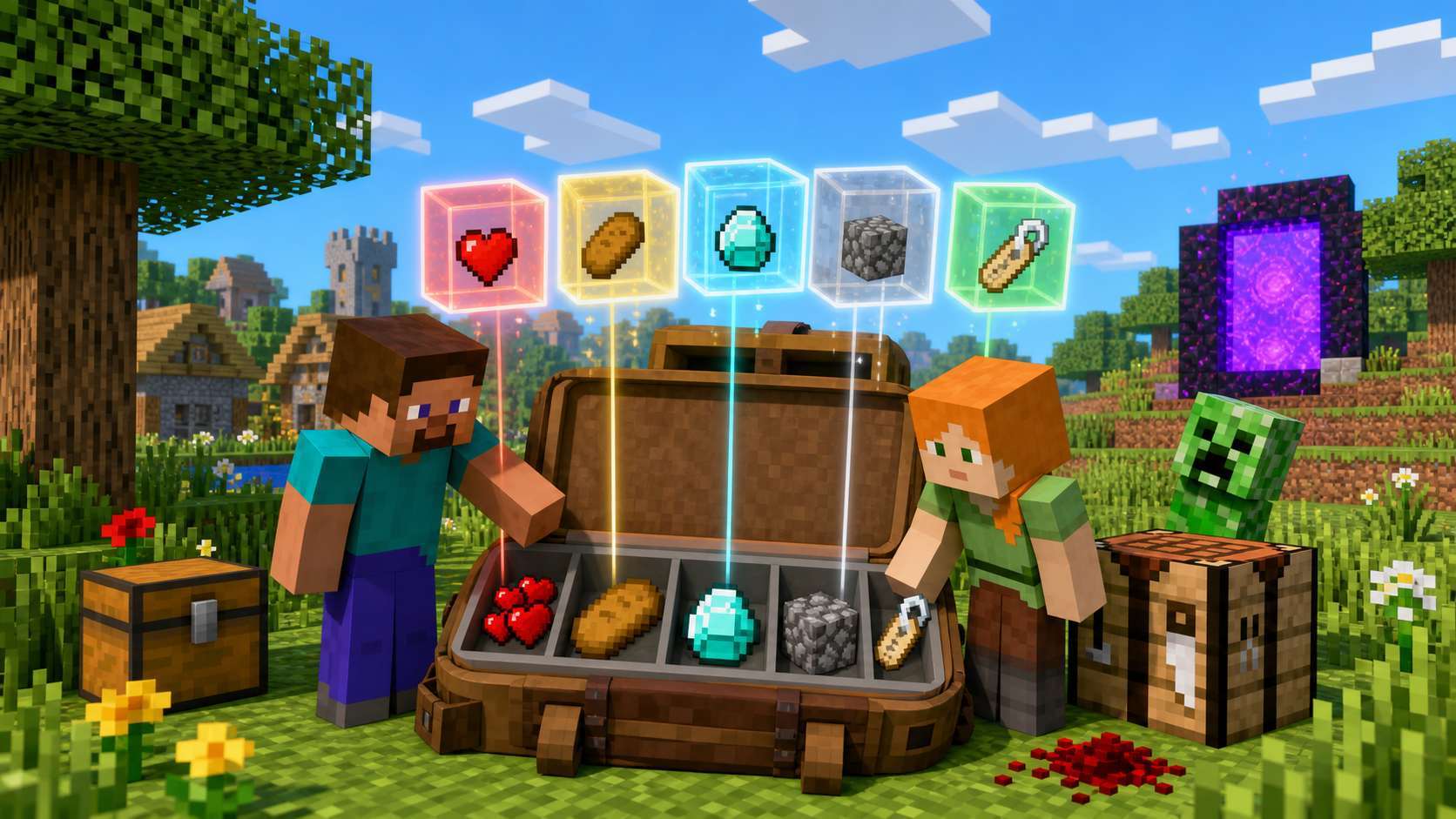
tag helps us find the current value
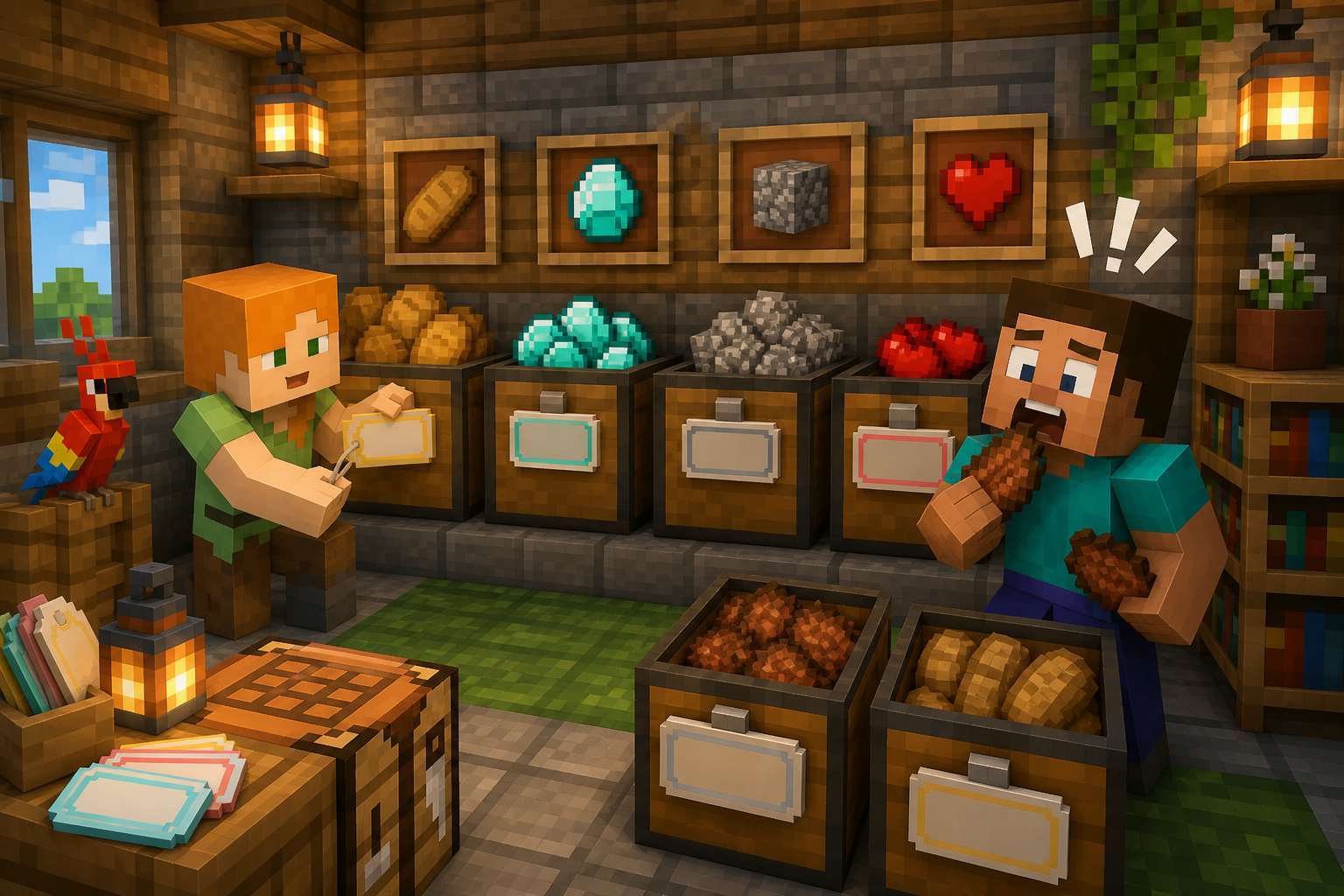
Steve put the bread into the unlabeled box, but opened the cobblestone box during dinner time. Variable names solve a similar problem: letting the program find the data it needs. It is not the data itself, but the name used to access the data.
Let’s start with two types: int holds integers, and String holds text. Health points and item quantities are suitable for integers; player names are suitable for text. More types will be discussed in the next lesson.
02 / 10
Statement, initialization, reading
- intType · Save integer
- healthVariable name · Find the current value
- =Assignment number · Write the value on the right
- 20Initial value · The value of the first deposit
- ;Semicolon · End this statement
Complete program · PlayerStatus.java
public class PlayerStatus {
    public static void main(String[] args) {
        String playerName = "Alex";
        int health = 20;
        int bread = 3;
        System.out.println(playerName + " Life=" + health);
        System.out.println("Bread.=" + bread);
    }
}
Output
Alex Life=20
Bread.=3
When health is not quoted, the value of the variable is read; after "health" is quoted, it is just a fixed text. Change the player name to Steve and the bread to 5. Guess the two lines of output first and then run it.
03 / 10
Assignment: Calculate the right side first, then write the left side

- Read Old Valuesbread is 3
- Calculate the right side3 - 1 gets 2
- Write back to the leftbread becomes 2
Snippet: place inside main and run separately
int bread = 3;
System.out.println("Before eating=" + bread);
bread = bread - 1;
System.out.println("After eating=" + bread);
int diamonds = 0;
diamonds = diamonds + 3;
System.out.println("diamond=" + diamonds);
Output
Before eating=3
After eating=2
diamond=304 / 10
One output is a snapshot
| Variable name | Type | Current value |
|---|---|---|
| playerName | String | "Alex" |
| health | int | 20 |
| bread | int | 3 |
| diamondCount | int | 0 |
The line of text previously output will not change with the variable. If you want to show the new status, you need to output it again. When the program is re-run, the initialization statements are also re-executed.
Snippet: place inside main and run separately
int chestA = 5;
int chestB = chestA;
chestA = 9;
System.out.println("A=" + chestA);
System.out.println("B=" + chestB);
Output
A=9
B=505 / 10
Update health values along the timeline
- Birthhealth = 20
- Injuryhealth - 4
Get 16 - Eating.health + 3
Get 19 - Restore initial valuehealth = 20
Snippet: place inside main and run separately
int health = 20;
System.out.println("Birth=" + health);
health = health - 4;
System.out.println("Injury=" + health);
health = health + 3;
System.out.println("Eating.=" + health);
health = 20;
System.out.println("Restore initial value=" + health);
int arrows = 10;
arrows += 5;
arrows -= 2;
System.out.println("Arrow=" + arrows);
Output
Birth=20
Injury=16
Eating.=19
Restore initial value=20
Arrow=1306 / 10
Good names let the code explain itself
| Example | Judgment |
|---|---|
| playerName | Clear, use camelCase |
| diamondCount | Explain that this is the number of diamonds |
| 2player | Error: cannot start with a number |
| player health | Error: Name cannot have spaces |
| class | Error: This is a Java keyword |
| x | Can run, but the purpose is unclear |
When starting to learn, it is recommended to start with a lowercase English letter, and use camelCase for multiple words: the first word is lowercase, and the first letter of subsequent words is capitalized. Java is case-sensitive, health and Health are not the same name.
Snippet: place inside main and run separately
int playerLevel = 8;
int torchCount = 24;
String petName = "Snow";
System.out.println(playerLevel + " / " + torchCount);
System.out.println(petName);
Output
8 / 24
Snow07 / 10
Variable troubleshooting: first distinguish what kind of problem it is

Deliberate typo: three different problems
int 2player = 10;
int bread = 3;
int bread = 2;
int diamonds;
System.out.println(diamonds);- 2player starts with a number and changes to playerLevel.
- Repeated declaration of bread in the same scope: remove the second int when updating.
- Local variable diamonds has no value yet: explicitly assign value before reading.
Snippet: place inside main and run separately
int playerLevel = 10;
int bread = 3;
bread = 2;
int diamonds = 0;
System.out.println(playerLevel + " / " + bread + " / " + diamonds);
Output
10 / 2 / 008 / 10
Design a changing player status bar

- Create variablesname, life
Bread, diamonds - Birth SnapshotFirst output the initial value
- Event UpdateInjury, supply
With mining - Output againCheck new value
This work does not require input, looping or conditional judgment. Just use the declarations, assignments, and outputs you've already learned to observe data changing with events. Before each update, write down the expected values on paper.
- Birth: 20 lives, 3 bread, 0 diamonds.
- Injured: Life minus 4, others unchanged.
- Supply and mining: life plus 3, bread minus 1, and diamonds plus 3.
09 / 10
Complete work and output verification
Complete program · AdventureStatus.java
public class AdventureStatus {
    public static void main(String[] args) {
        String playerName = "Alex";
        int health = 20;
        int bread = 3;
        int diamondCount = 0;
        System.out.println("Birth | " + playerName
            + " | Life=" + health + " | Bread.=" + bread
            + " | diamond=" + diamondCount);
        health = health - 4;
        System.out.println("Injury | " + playerName
            + " | Life=" + health + " | Bread.=" + bread
            + " | diamond=" + diamondCount);
        health = health + 3;
        bread = bread - 1;
        diamondCount = diamondCount + 3;
        System.out.println("Replenishment and mining | " + playerName
            + " | Life=" + health + " | Bread.=" + bread
            + " | diamond=" + diamondCount);
    }
}
Output
Birth | Alex | Life=20 | Bread.=3 | diamond=0
Injury | Alex | Life=16 | Bread.=3 | diamond=0
Replenishment and mining | Alex | Life=19 | Bread.=2 | diamond=310 / 10
Continue practicing with predictions

- StatementType and name
- InitializationFirst assignment
- ReadCurrent value
- UpdateCalculate and write back
- ExplanationCompare before and after snapshots
Select a task
- Basics: Declare the quantities of five items and output a backpack list.
- Advanced: Start with 0 iron ingots, get 8, use up 3, and get 2 more; the three outputs should be 8, 5, 7.
- Creation: Design the pet wolf status bar to simulate feeding and consuming bones.
School selection: two boxes exchange contents
Snippet: place inside main and run separately
int leftChest = 12, rightChest = 30;
int temporary = leftChest;
leftChest = rightChest;
rightChest = temporary;
System.out.println(leftChest + " / " + rightChest);
Output
30 / 12temporary Keep the original 12 first. The next lesson will introduce us to more types and explain why integers, decimals, true and false, and literals cannot be mixed randomly.
TAKE IT WITH YOU
Take the lesson offline
The complete lesson, code, diagrams and exercises, in your preferred language.